Vrbo guest guidebook for whole-home stays.
Vrbo travellers rent the entire home, often as a family or a group, and for longer. Zoguest gives them a clear digital welcome book with everything they need before and during the stay — access, Wi-Fi, the house manual, outdoor areas and check-out.
- Designed for houses and villas where guests use every room, appliance and outdoor space.
- One guidebook works for the whole group, not only the person who booked.
- Printable QR poster for the kitchen, so anyone in the house can find an answer.
14-day free trial · No credit card required
What makes whole-home stays harder to brief
In a full house, guests interact with far more than a bedroom: a boiler, a pool, a barbecue, a garage, bins, neighbours and sometimes a village where nothing is open on Sunday.
More equipment, more questions
Heating, hot water, dishwasher, pool pump, air conditioning, TV, gates: every device is a potential message from the guest.
The information reaches only the booker
Details sent by message stay in one traveller's inbox, while the rest of the family or group asks them again in person.
Longer stays, evolving needs
Over a week, guests need shops, activities, waste days and rainy-day options — not just an arrival code.
Outdoor and safety rules go unread
Pool, terrace, fire pit and garden rules matter for family stays, and they need to be visible during the stay.
The binder is never where it is needed
A printed manual sits in a drawer while the guest is outside trying to work out the pool cover or the gate remote.
Seasonal changes to maintain
Pool season, heating season and local opening hours change, and the paper manual does not follow.
A Vrbo house manual the whole group can open
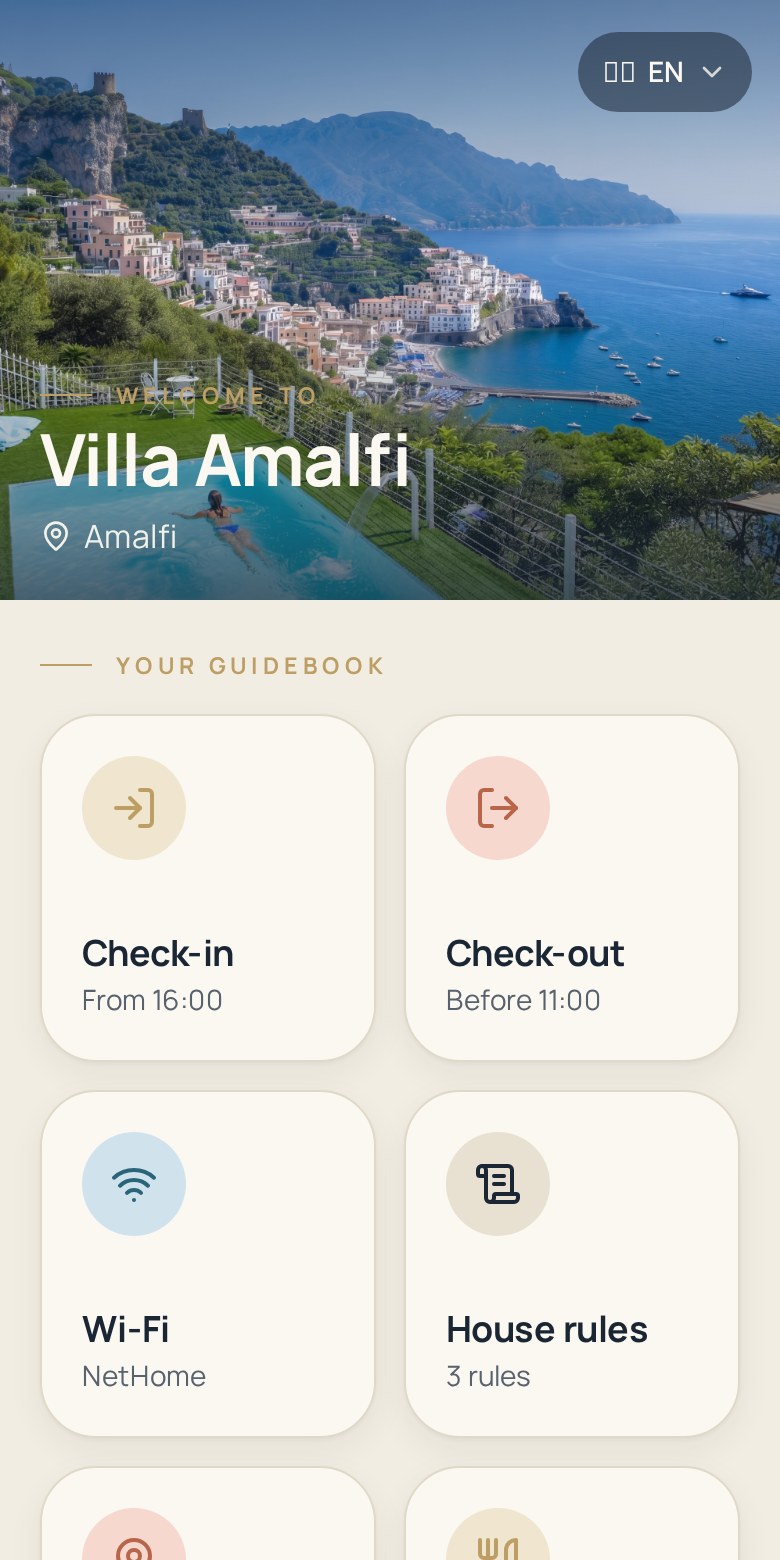
Zoguest centralises guest information for the entire property in one mobile page, shareable with everyone staying.
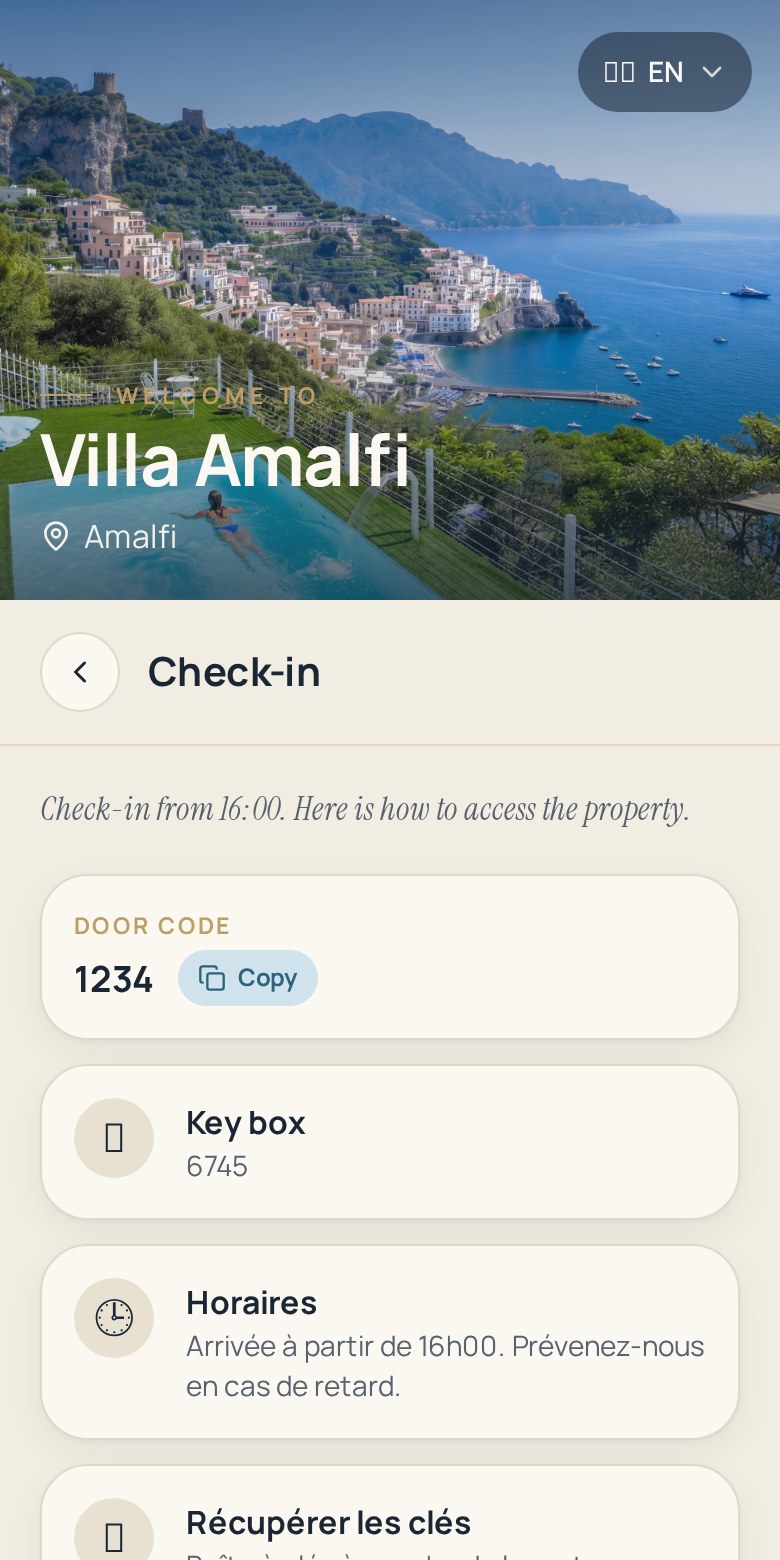
Check-in for the whole party
Directions, gate and door access, parking for several cars, and what to do if the group arrives in separate waves.
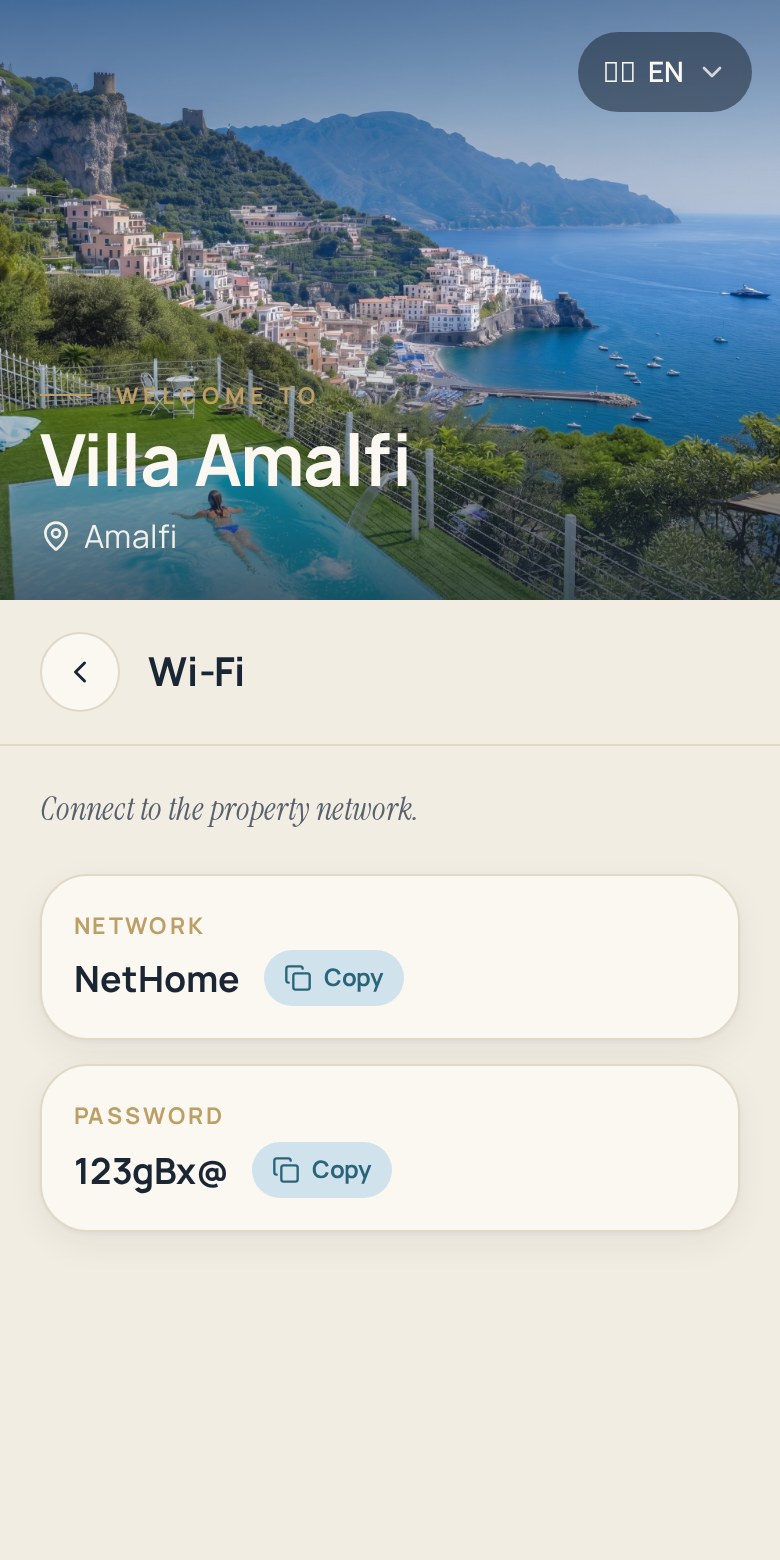
Wi-Fi across the house
Network name and password, so every device in the group connects without asking you.
House rules and outdoor areas
Quiet hours with neighbours, pool and terrace rules, barbecue use, pets and anything specific to the grounds.
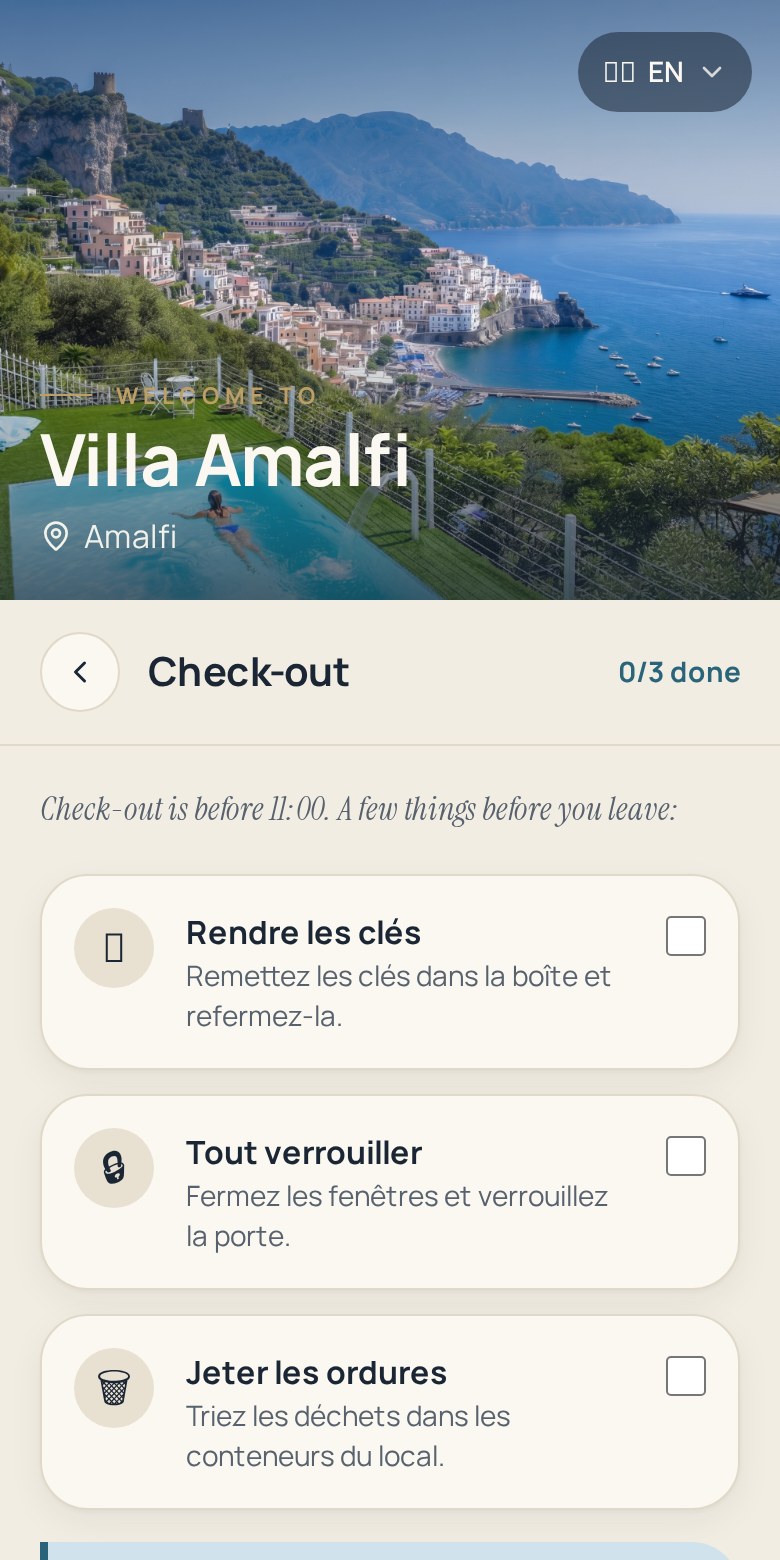
Check-out instructions
Departure time, linens, dishes, bins, windows, gates and keys — a clear list for a group leaving in a hurry.
Local recommendations
Bakeries, markets, supermarkets, family activities and the nearest pharmacy — the local knowledge only a host has.
Property and appliance information
How the heating, hot water, appliances and outdoor equipment work, plus who to contact if something fails.
How to create your Vrbo guidebook
Set up the home once, then keep it current season after season.
- 1
Create your guidebook
Add the home in Zoguest with a hero photo and the sections that match a whole-property rental.
- 2
Add your guest information
Document access, Wi-Fi, each appliance, outdoor rules, waste days, check-out and your local recommendations.
- 3
Share it with your guests
Send the link before arrival and put the printed QR code poster in the kitchen so the whole group can use it.
A clearer experience for Vrbo travellers
Families and groups get answers on their own, and you keep your evenings.
Give guests quick access to essentials
Access codes, Wi-Fi and appliance instructions are one scan away in the room where the question comes up.
Reduce repetitive questions
The recurring how does this work messages stop when the answer is written where guests look first.
Keep a long stay running smoothly
Waste days, shop hours and activity ideas are available all week, not only in the arrival message.
Make safety rules visible
Pool, terrace and equipment rules stay accessible for everyone in the group during the whole stay.
Keep information up to date
Adjust a seasonal instruction or a code once, and the current guests see the new version.
Centralise guest information
One structured page per home replaces the drawer binder, the printed sheets and the message thread.
Paper house manual vs digital Vrbo guidebook
The same content, compared on what matters in a whole-home rental.
| Paper house manual or PDF | Zoguest digital guidebook | |
|---|---|---|
| Accessibility | One copy in the house, wherever it was last left. | On every phone in the group, indoors and outdoors. |
| Updating | Reprint pages each time an appliance or a rule changes. | Edit in the dashboard; guests see the current version. |
| Mobile access | Not practical by the pool or in the garage. | Mobile-first page opened from a QR scan on the spot. |
| Sharing with the group | Only whoever holds the binder can read it. | One link and one QR code shared with everyone staying. |
| Centralisation | Manual, printed sheets and messages, all separate. | Access, rules, appliances and tips in one place. |
Information guests need at each stage
From planning the drive to closing the gate on departure day.
Before check-in
Shared with the whole group so the arrival works even if travellers come separately.
- Directions and gate access
- Check-in time and key or code handover
- Parking for several vehicles
- What to buy before arriving if shops close early
During the stay
The QR poster in the kitchen turns the guidebook into the household reference.
- Wi-Fi network and password
- Heating, hot water and appliance instructions
- Pool, terrace and outdoor rules
- Markets, activities and useful local addresses
Before check-out
A written departure list avoids the last-minute round of questions.
- Check-out time
- Linens, dishes and bins
- Windows, shutters and gates
- Where to leave keys or remotes
Vrbo guidebook FAQ
What hosts renting an entire home usually want to know.
What is a Vrbo guest guidebook?
It is the guest information hub for a whole-home rental: how to arrive and get in, Wi-Fi, how the house and its equipment work, indoor and outdoor rules, check-out steps and your local recommendations. Zoguest publishes it as a mobile page instead of a printed manual.
How is it different from a Vrbo house manual?
The house manual is the technical part — appliances, heating, pool, waste — and it lives inside the guidebook alongside arrival, rules, contacts and recommendations. Keeping it digital means an instruction can be corrected the day an appliance is replaced.
Can the whole group access the guidebook, not only the person who booked?
Yes. The guest page is a public link, so it can be forwarded to everyone travelling, and the printed QR code poster lets anyone in the house open it by scanning.
What should I include for a family or group stay?
Add everything guests interact with: gates and parking, appliances room by room, pool or terrace rules, waste and recycling days, quiet hours with neighbours, nearby shops and pharmacies, plus a contact for problems.
Can I update the guidebook between seasons?
Yes. You edit the content whenever you want — pool season, heating season, new local addresses — and guests always open the latest published version.
Do guests need an app to open it?
No. It opens in any mobile browser from a link or a QR code, without an account or a download.
Does the guest link stay the same for my printed poster?
Yes. Each property keeps a stable identifier from the moment it is created, so renaming the listing does not break a poster already printed and displayed in the home.
Related pages
Explore the product pages behind this use case.
Create a clearer stay for your Vrbo guests
Publish a digital welcome book for your home and give every traveller in the group the information they need.
One dashboard, always-current guest information.